









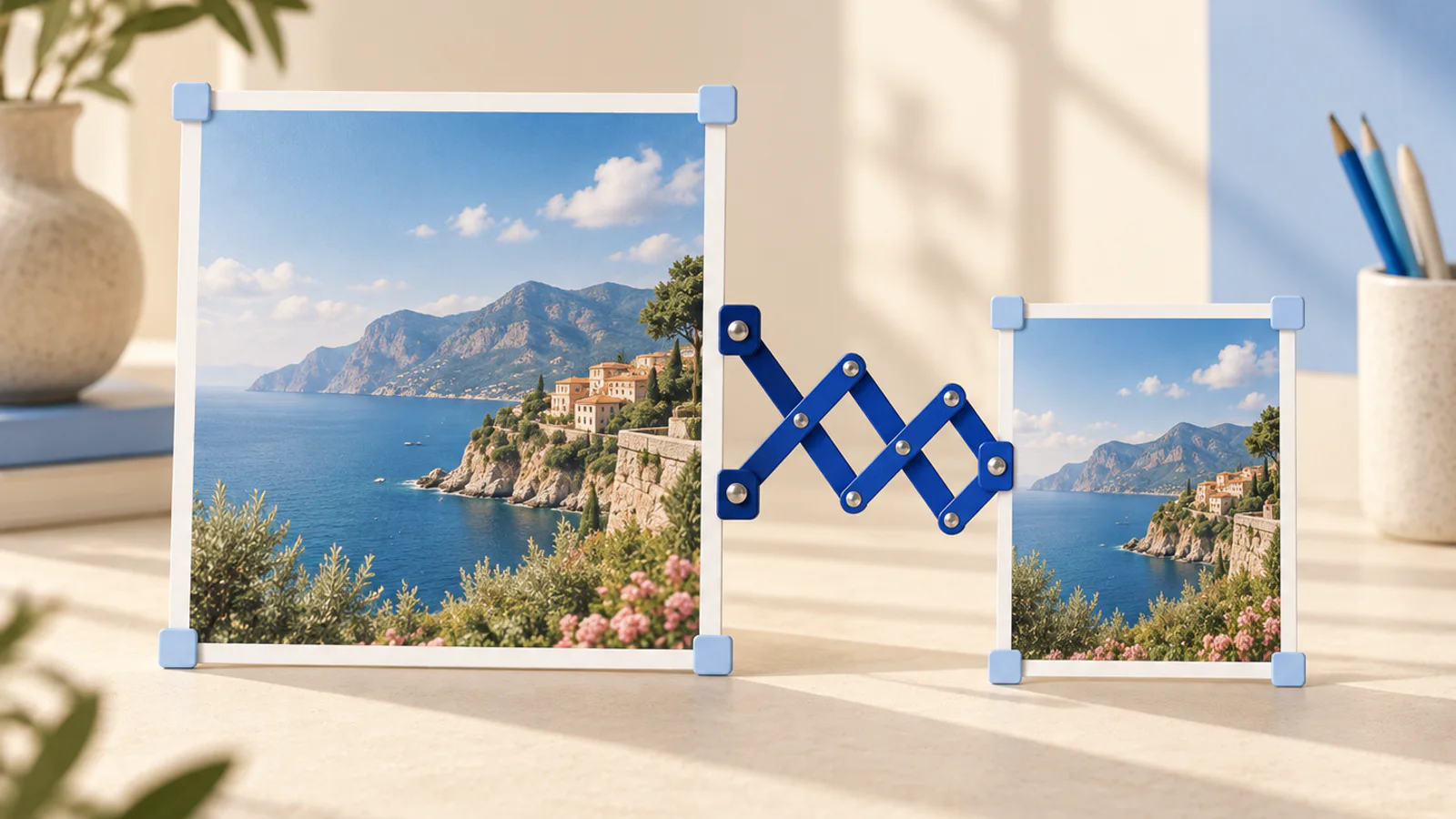
The exact size you need
Every surface wants its own dimensions and upload forms reject everything else. This gets an image to exact pixels without opening an editor.
Resize an image
Runs on your device, nothing uploaded
Your image is read off your disk, redrawn at the size you set, and saved fresh by your own browser. No server is involved at any point, which is also why there is no file size limit and no queue.
Three steps
How it works
Drop an image in
JPG, PNG or WebP. It opens instantly, because it goes nowhere.
Set the size
Exact pixels or a percentage. The lock keeps width and height moving together.
Save it
Redrawn once at the new size and handed back. An image is one frame, so there is no waiting.
What it is for
Why this one is worth having
Exact means exact
Type 1080 and you get 1080, not the nearest size a preset menu happens to offer.
The lock is on by default
Width and height move together until you say otherwise, so nothing comes out stretched by accident.
Nothing gets uploaded
One redraw in the tab and the file is back in your hands. No account, no watermark, no queue.
FAQ
Image resizer, asked and answered
Does my image get uploaded?
No. It is read off your disk, redrawn at the new size and saved back, all inside the tab. Nothing reaches a server, ever.
Will resizing make my image blurry?
Shrinking keeps things crisp. Enlarging cannot invent detail, so it comes out soft, and the page warns you before you do it rather than after.
What sizes do the platforms actually want?
Vertical surfaces play 1080x1920, square posts 1080x1080, and YouTube thumbnails 1280x720. Type the pixels and you have it. There is no preset list to hunt through, because the input takes any number.
Does it keep transparency?
Saved as PNG or WebP, yes. Saved as JPG, transparent areas are flattened onto white, and the page says so at the moment it matters.
Is there a size limit?
No fixed one. The practical ceiling is the browser's own canvas limit; anything under 8192 pixels on the long side is safe everywhere.
More tools
Others in the same corner
- Image converterThe file is fine, the format is wrong: the form wants JPG, the export was PNG, the designer sent WebP.
- Image compressorA four megabyte photo does nothing a four hundred kilobyte one does not, except load slower and blow through upload limits..
- Thumbnail testerA cover frame is picked on a full-screen editor and viewed as a thumbnail roughly the size of a postage stamp, which is why so many of them are unreadable in the only place they matter..