









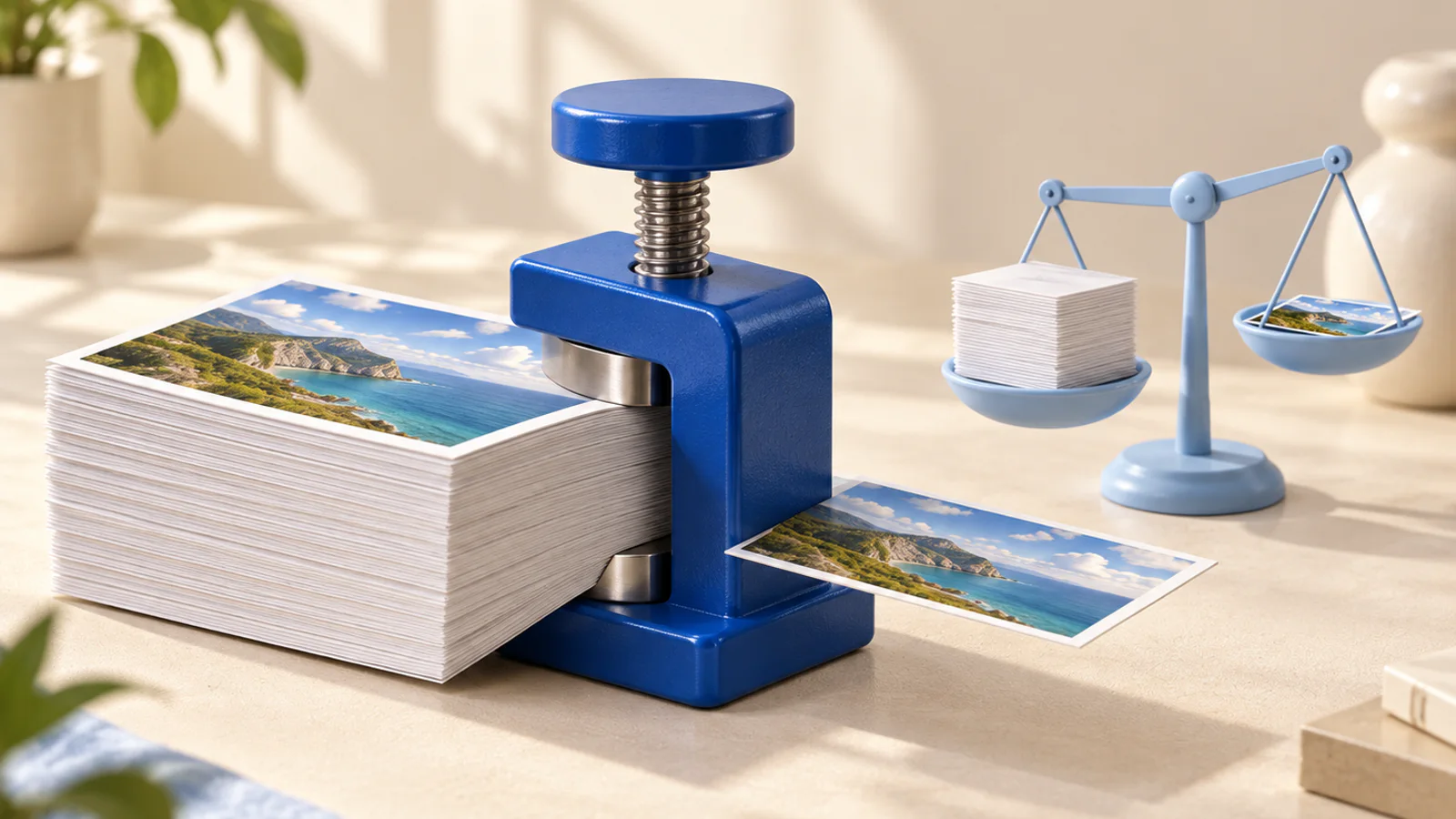
Lighter file, same picture
A four megabyte photo does nothing a four hundred kilobyte one does not, except load slower and blow through upload limits.
Compress an image
Runs on your device, nothing uploaded
Your image is read off your disk and re-saved at a lighter setting by your own browser. No server is involved at any point. Compressing is lossy, so keep your original and hand the platforms this copy.
Three steps
How it works
Drop an image in
It stays on your machine, which is exactly why there is no size limit here.
Pick a setting
Three settings that say what they cost. Balanced is right for almost everything.
Save it, or do not
If the result comes out heavier than the original, the page tells you to keep the original.
What it is for
Why this one is worth having
It admits when it failed
Re-saving an already efficient file makes it bigger. Most tools hand it back anyway with a download button. This one tells you to keep yours.
Plain-language settings
Three settings that describe their trade, instead of a 0 to 100 slider that pretends precision it does not have.
Nothing gets uploaded
The whole job is one re-save in your tab, which is why it is free and puts a watermark on nothing.
FAQ
Image compressor, asked and answered
How much smaller will my image get?
A photo straight off a phone, a lot, often four fifths. Something a platform has already squeezed, barely, and when it comes out bigger the page says keep your original instead of handing it back anyway.
Why does compressing a PNG barely help?
PNG is lossless, so its size is what that honesty costs. The real saving is re-saving it as JPG or WebP, which is exactly what this tool does. Pick WebP if the transparency has to survive.
Will it look worse?
Slightly, once, at the setting you chose, and balanced is invisible in a feed. Keep your original and hand the platforms this copy.
Does my image get uploaded?
No. The re-save happens in your tab, which is why it is free, has no size cap, and needs no account.
More tools