









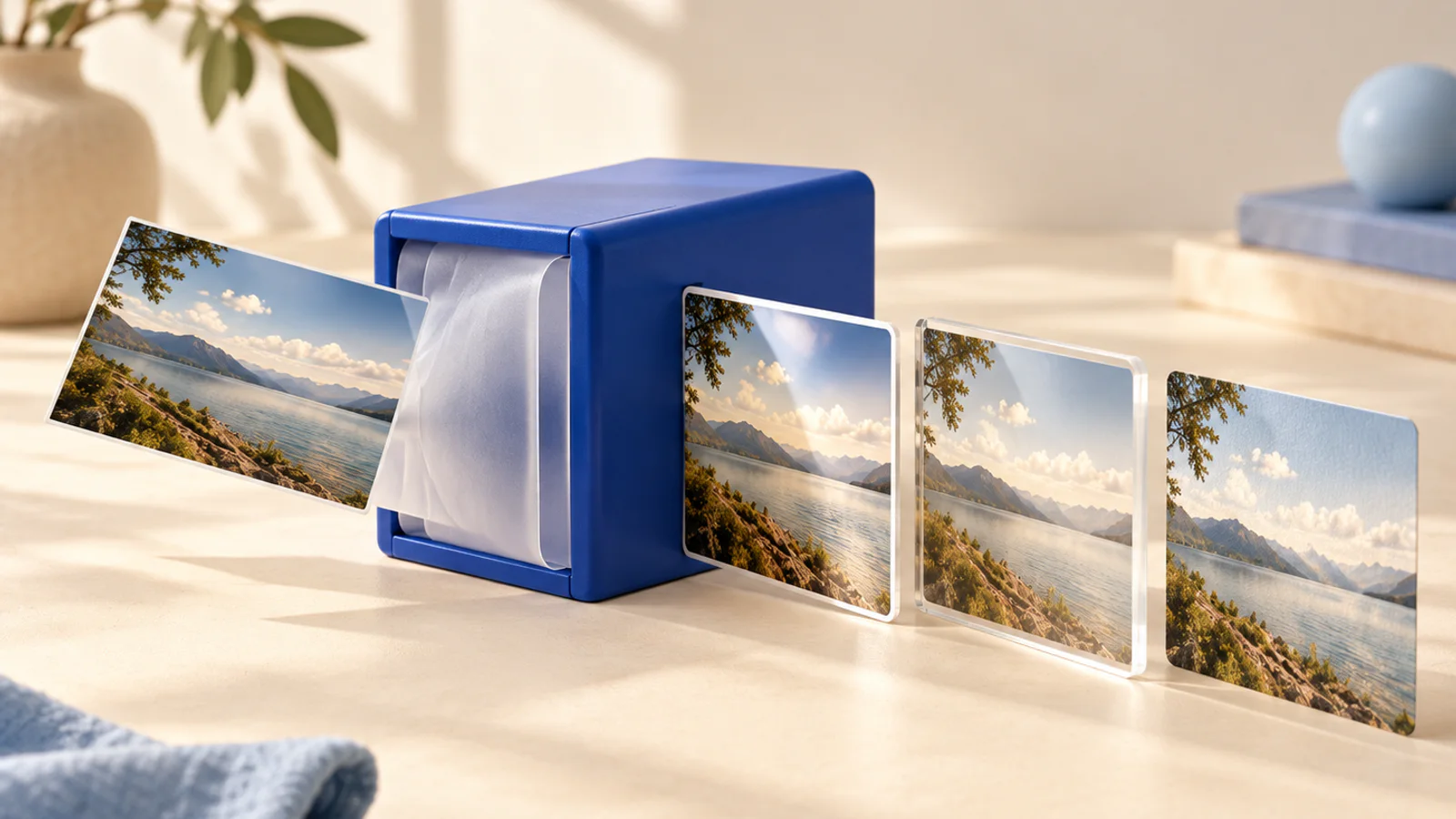
Same picture, different format
The file is fine, the format is wrong: the form wants JPG, the export was PNG, the designer sent WebP. This swaps the wrapper without touching the pixels.
Convert an image
Runs on your device, nothing uploaded
Your image is read off your disk and re-saved in the format you picked by your own browser. No server is involved at any point. HEIC straight off an iPhone will not open here; export it as a JPG first and this page can take it the rest of the way.
Three steps
How it works
Drop an image in
Anything your browser can open. The pixels are read once, locally.
Pick the format
JPG for upload forms, PNG for lossless, WebP for small. The trade sits next to each button.
Save it
Same pixels in the new wrapper, named so you can tell it from the original.
What it is for
Why this one is worth having
Straight about formats
JPG flattens transparency onto white, and the page says so before you press the button rather than after.
The pixels stay put
Converting is a wrapper change. Nothing is resized or cropped on the way through.
Nothing gets uploaded
The read and the re-save both happen in the tab. There is nothing on our side to keep, so nothing is kept.
FAQ
Image converter, asked and answered
Which format should I pick?
JPG when a form insists or the image is a photo. PNG when it must stay lossless. WebP when small matters and the destination is the web. The trade sits next to each button as you choose.
Can I convert HEIC photos from an iPhone?
Not directly, because browsers do not open HEIC. Share or export the photo as JPG first, which the phone does natively, and this page takes it the rest of the way.
Does converting lose quality?
PNG stays lossless. Saving into JPG or WebP is lossy once, at the setting you pick. The pixels are never resized on the way through.
Does my image get uploaded?
No. Decoding and re-saving both happen in your tab. There is nothing on our side to see, store, or delete.
What happens to transparency?
PNG and WebP keep it. JPG cannot, so transparent areas become white, and the page tells you before you save.
More tools
Others in the same corner
- Image resizerEvery surface wants its own dimensions and upload forms reject everything else.
- Image compressorA four megabyte photo does nothing a four hundred kilobyte one does not, except load slower and blow through upload limits..
- 9:16 safe zone checkerEvery platform paints its own buttons over your video, in different places, and none of them show you that while you are editing..