





















Creation tools
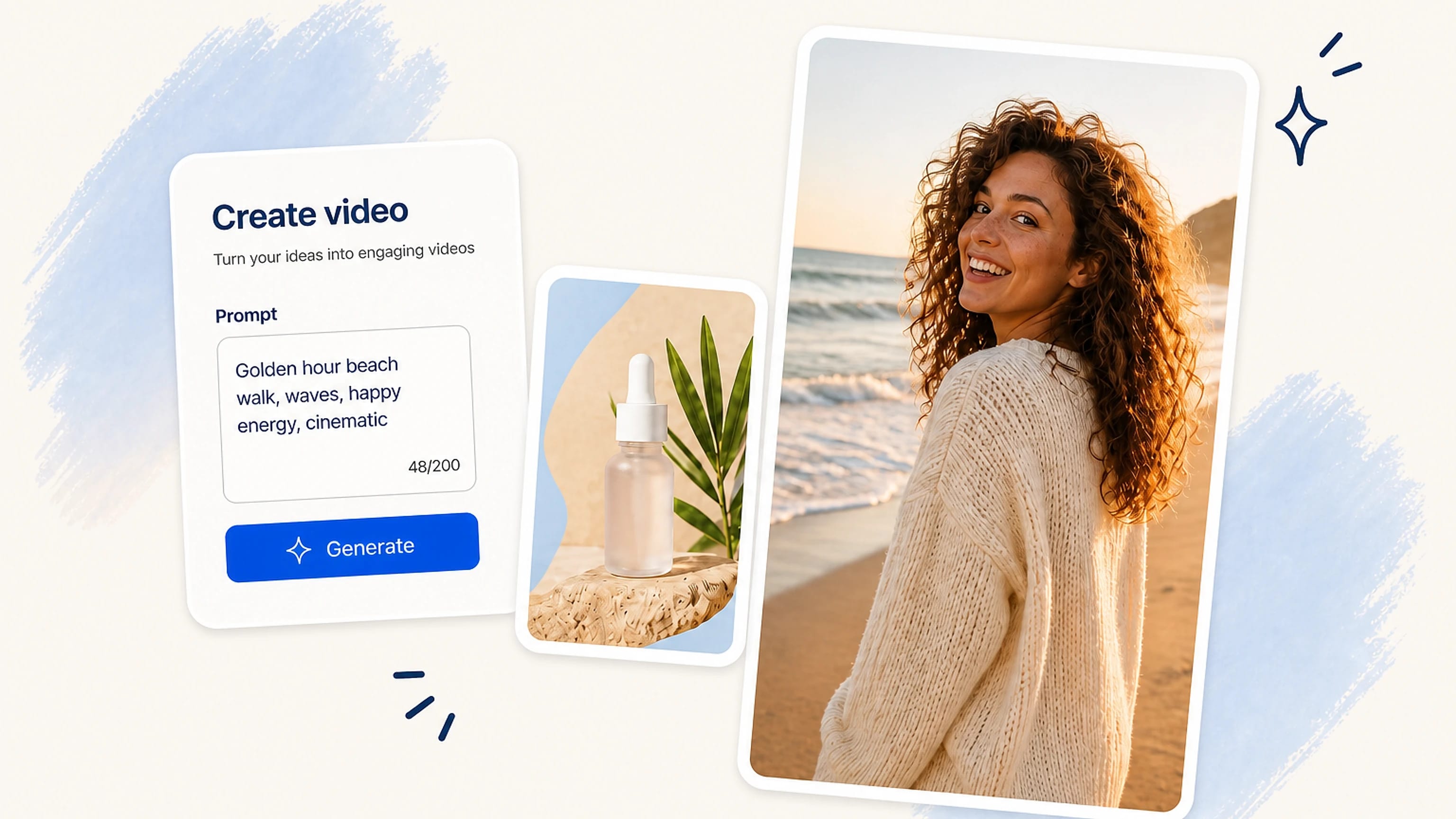
Generate the footage you don't have.
Text to image or video, start and end frames, 5s or 10s, plus a prompt builder when you need a hand.
Explore AI StudioYour UGC content team, powered by AI
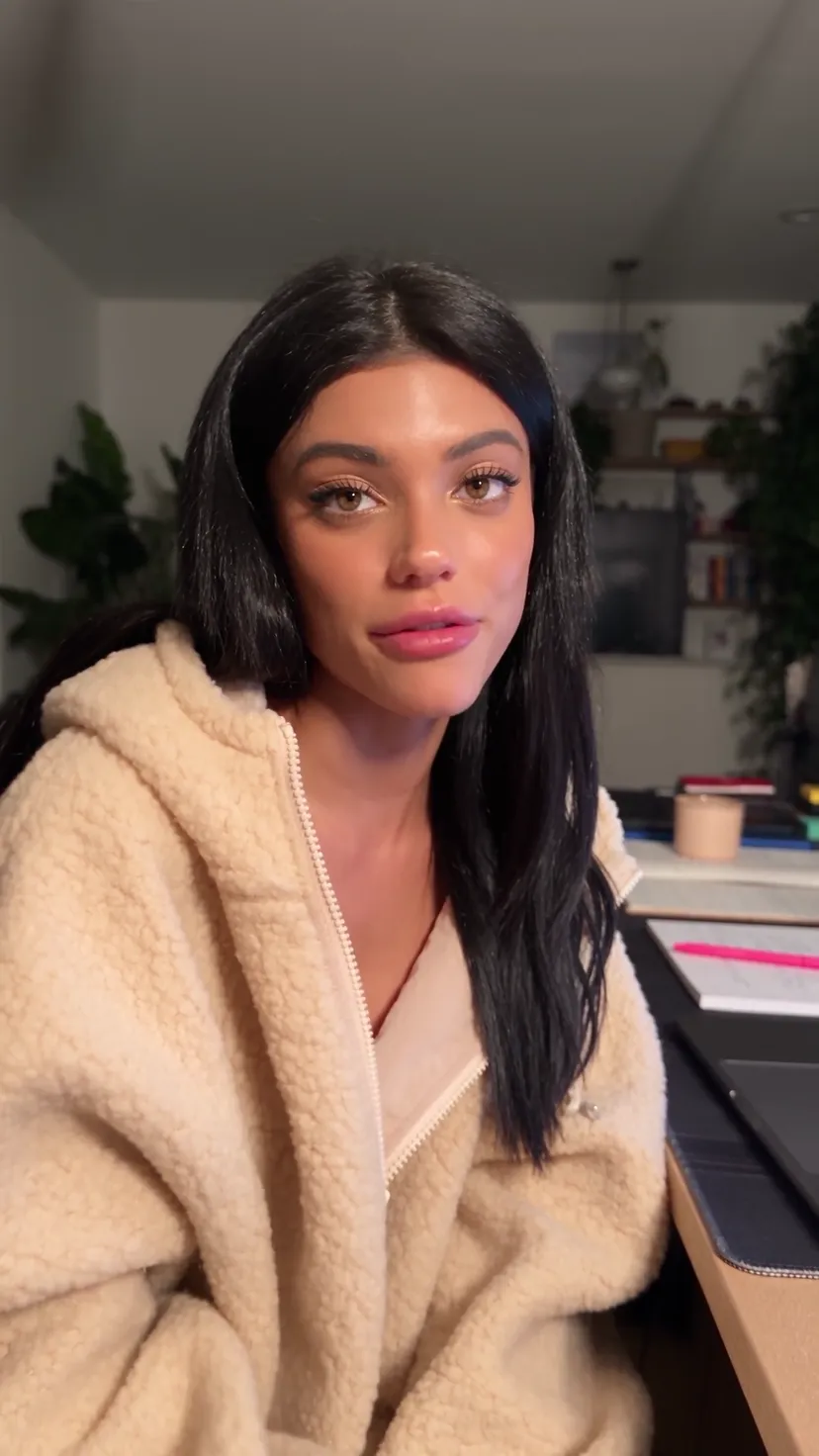
PikoReels makes creator-style videos (UGC), writes the captions, and posts them on autopilot.
AI Studio
Prompt, animate, reframe, extend, and more, without leaving the studio.
Pick a reel format that already works. GRWM, unboxing, meal prep, then make it yours.
Use ready-made creator formats built for short-form: unboxing, product motion, app demos, and try-ons.
 GPT Image 2
Your content calendar
Every scheduled reel across TikTok, Instagram, and YouTube in one calendar. Drag to move a post, and PikoReels publishes it for you.
Rush, in seconds
A stack of finished reels, made for your brand. Flick through, keep what you love, and the first one lands in seconds.



Your AI creator
Cast a creator once and keep the same face across every reel. You set the background, the lighting, the color grade, the mood. PikoReels renders it, no reshoots.

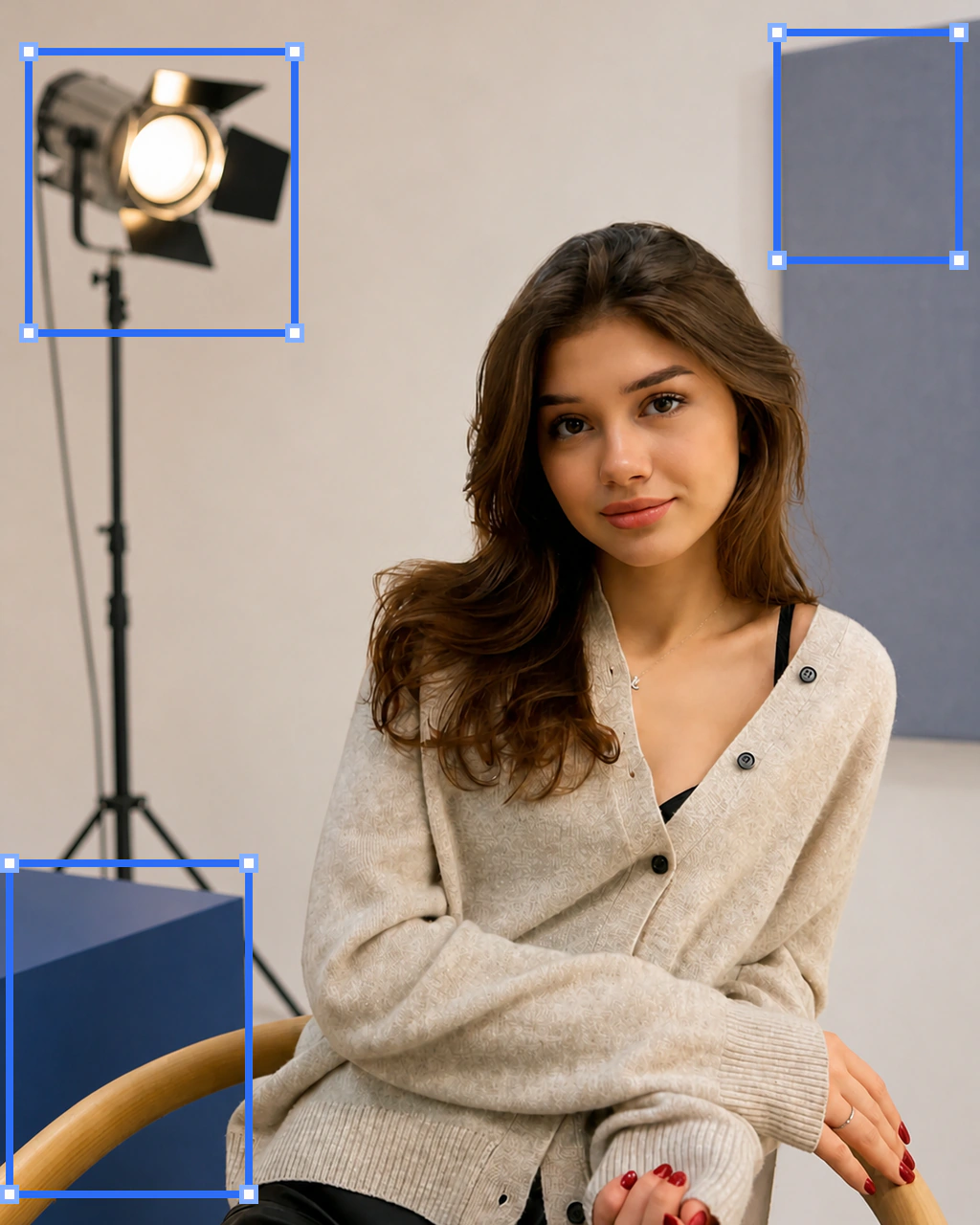

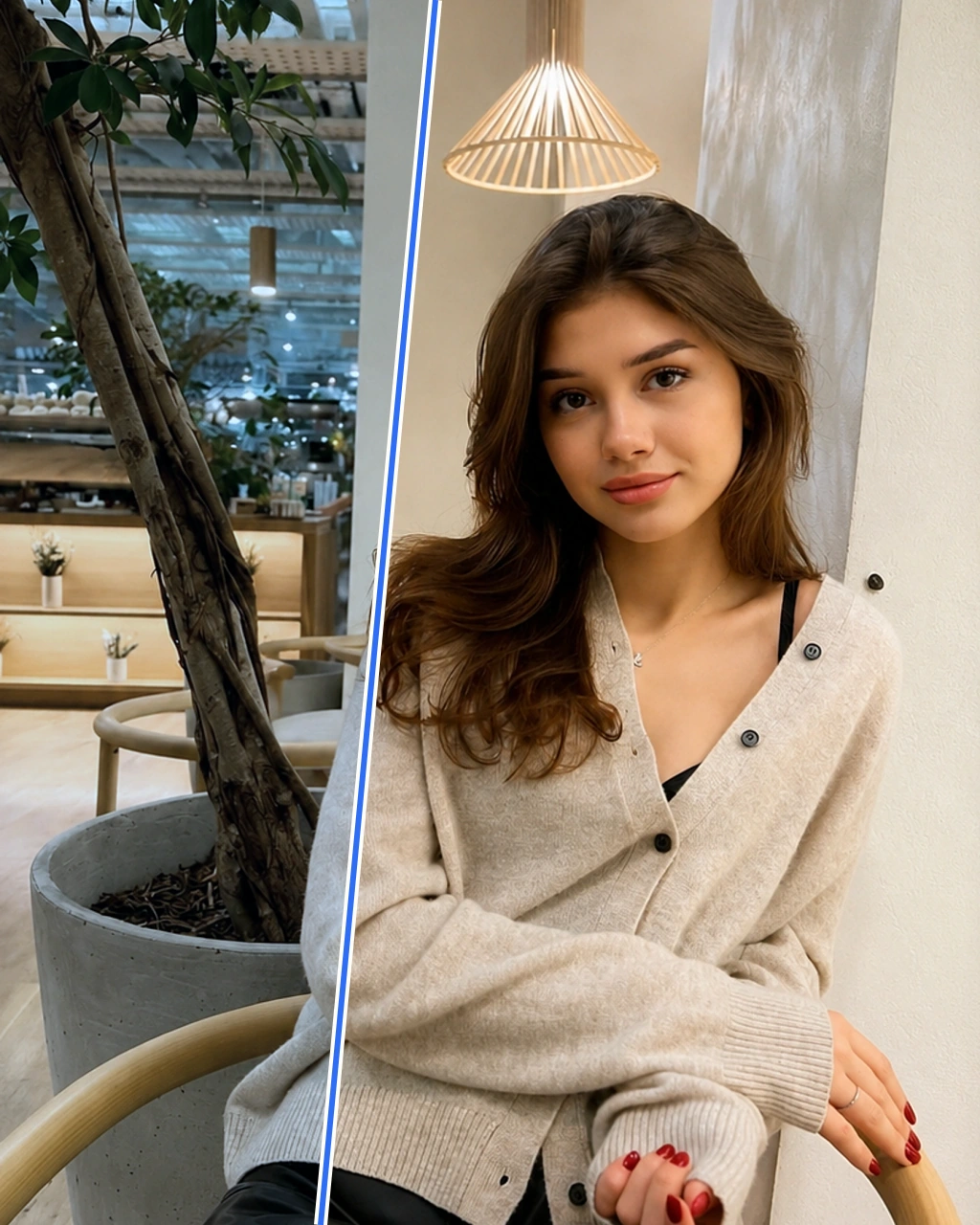
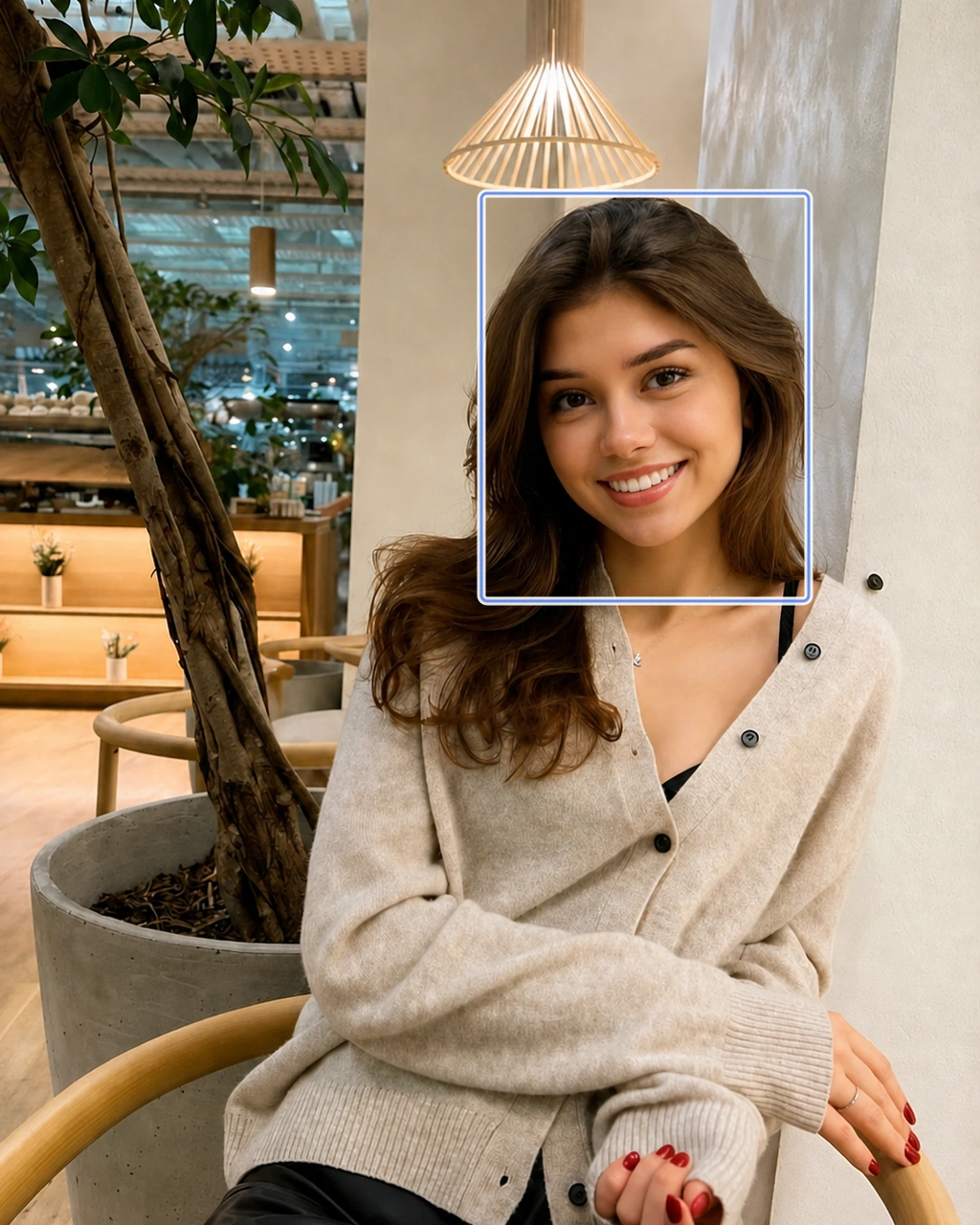
A growing library of AI UGC characters


Everything you get
Make the footage, choose formats with proof, plan a month of reels, and publish every post from one calm workspace.
Creation tools
Text to image or video, start and end frames, 5s or 10s, plus a prompt builder when you need a hand.
Explore AI Studio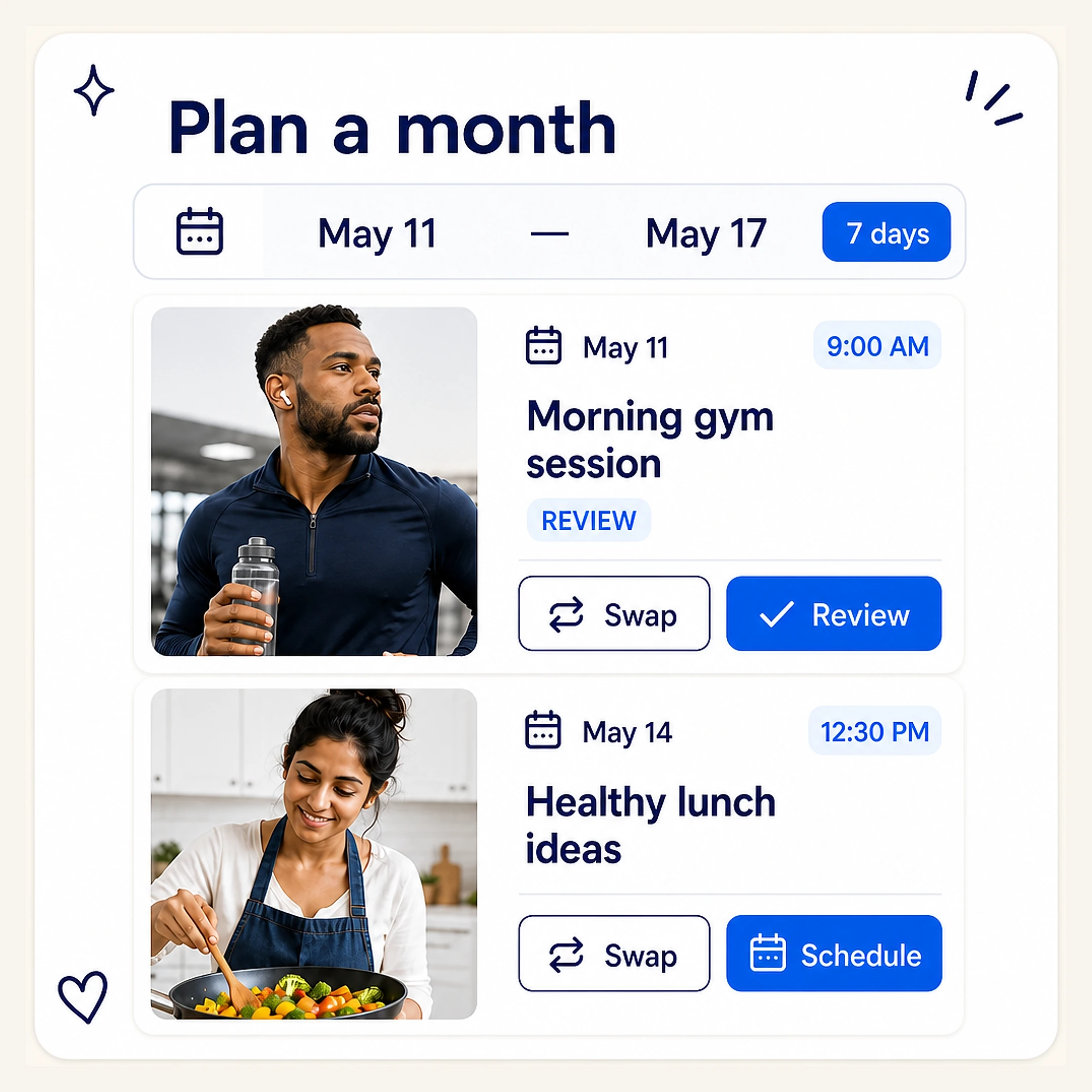
Plan once
Pick a range and post time. Every day gets a real clip and caption to review, swap, then schedule.
Explore Automations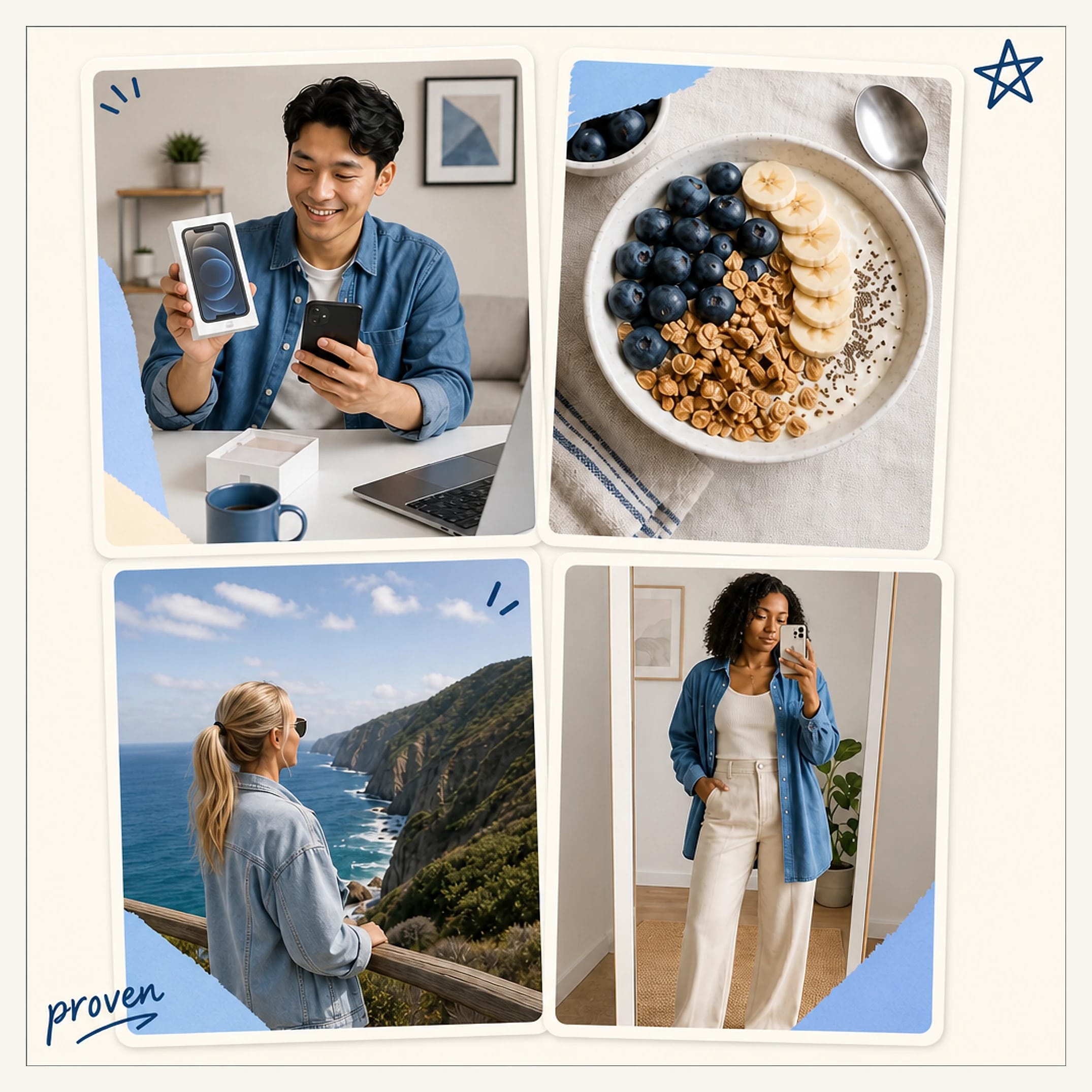
Template library
Fashion, fitness, food, tech, travel, and unboxing. Every format comes with an example engagement signal.
Explore Templates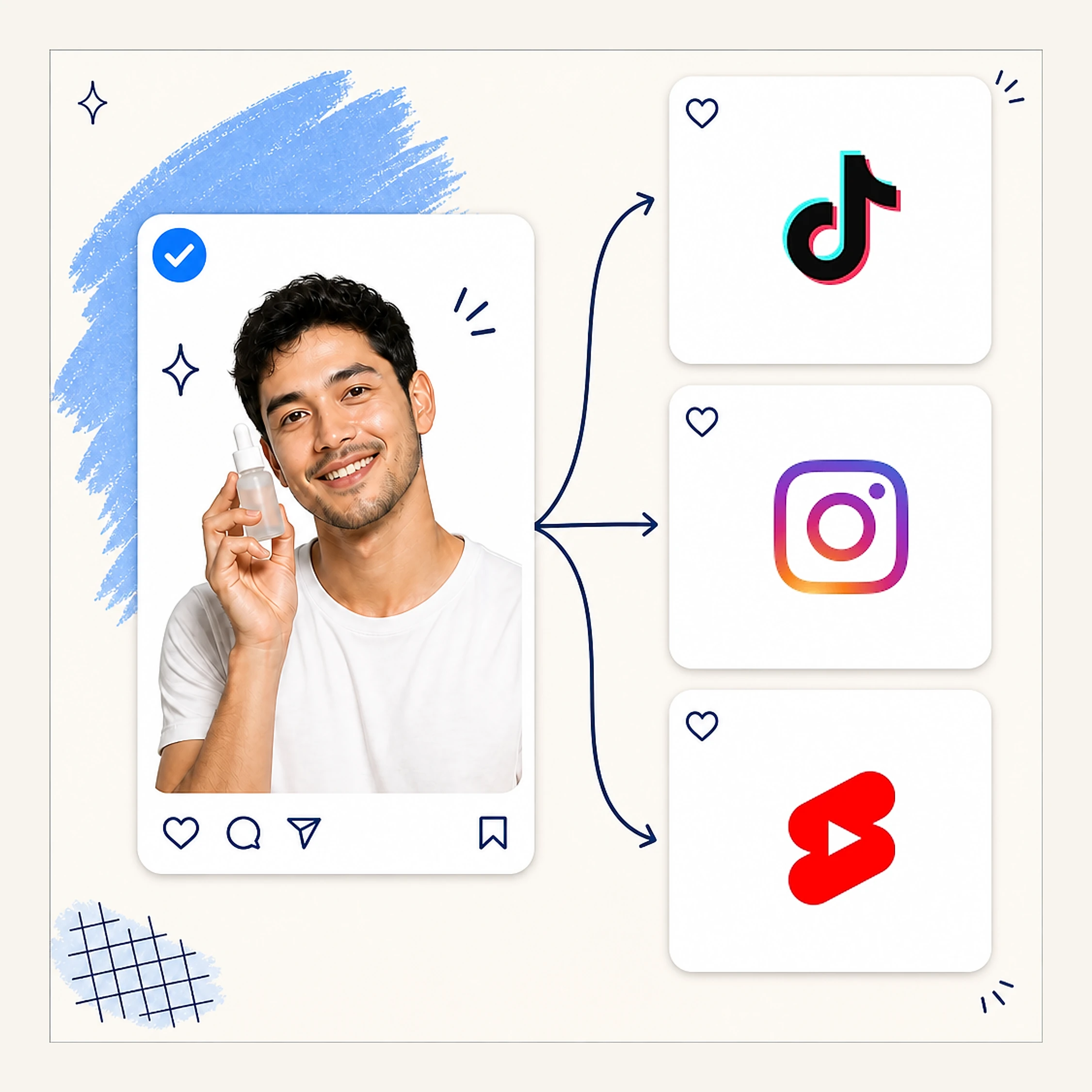
One calendar
Connect once, then publish everywhere on the schedule you set.
See scheduling
One swipe
One generation deals you a deck. Keep it, pass it, or swap the clip. Nothing renders until you ship.
Explore RushPlan once, post for weeks
Pick the dates and times. PikoReels fills every slot with a clip and caption, then posts to TikTok, Instagram, and YouTube on its own.

Put it on autopilot
Connect Piko to the tools you already use, and it makes and posts your reels on its own. No dashboard, no manual uploads.
idea in, reels out
PikoReels MCP plugs into the apps you already post to, then makes and publishes your reels for you, hands-free.
Your first reel is minutes away.
Start creating for freeThree free videos, no watermark, and no card to start.
Loved by creators
Creators, founders and growth teams who moved their content to autopilot.
I stopped thinking about posting entirely. Piko writes the hooks, I approve from my phone, and my views doubled in a month.

Sofia Marin
Creator, 480K followers
Commented on Instagram
We replaced a $4K-a-month UGC agency with Piko. The videos perform better, and they're live before we wake up.

Jordan Reyes
Founder @ Driftlab
Commented on X
The first tool where set-it-and-forget-it is actually true. Our TikTok went from dead to forty posts a month.

Arjun Mehta
Head of Growth @ Nesto
Commented on LinkedIn
Common questions
The practical details behind your next month of reels.
PikoReels makes short videos for you and then posts them. You give it a product or an idea, and it generates the footage, writes the caption, puts together a creator-style reel, and publishes it to TikTok, Instagram and YouTube whenever you tell it to. You never have to film anything or open an editor.
Automations are the set-and-forget mode. You pick a date range and a time to post, and Piko fills every slot ahead of time with a real clip and caption. Then you go through the whole month in one sitting, swap anything you don't like, and let the queue post on its own.
Rush is for when you want one video out fast. A single generation hands you a deck of finished options, and you keep one, pass on it, or swap the clip. Nothing renders until you pick, so you can shuffle until something feels right. Most people get a reel done in a couple of minutes.
AI Studio is where you make the footage you don't already have. Type what you want and you get an image or a video back. You can set the first and last frame, choose a five or ten second shot, and use the prompt builder if you're not sure how to describe it. Anything you make there drops straight into a reel.
Templates are formats that have already worked, ready for you to drop your product into. There's fashion, fitness, food, tech, travel and unboxing. Each one shows you an example of how it performed, so you're not guessing which format to bet on.
Yes. Every plan starts with 3 free videos, which is enough to see what the output looks like on your own product and put one on a real account before you pay anything. There's no watermark on them, and you can cancel any time.
Yes. Creator comes with three brand workspaces and Pro with ten, and each one has its own connected accounts, templates and calendar. Nothing crosses over between them, which is how most agencies use it. A client's footage and schedule stay separate from everyone else's.
TikTok, Instagram Reels and YouTube Shorts. You connect each account once and then post to all of them from one calendar. Every video is cut 9:16, so it looks native wherever it ends up.
Three on Beginner, ten on Starter, and as many as you like on Creator and Pro. The cap is on connections, not on where a reel can go: one month of reels can cover every channel you have hooked up.
No. Nothing PikoReels makes has a watermark on it, free videos included. What you post looks like it came off your phone rather than out of a tool.
Only if you want to. You can look at every clip and caption before it gets scheduled and keep it, pass on it, or swap it out, and nothing renders until you decide. If you'd rather not be involved at all, set up an Automation and it runs the whole queue while you sleep.
UGC stands for user-generated content. It's the photos, videos and reviews that customers and creators make themselves, rather than something a brand shot in a studio. In short-form video it usually means a casual clip filmed on a phone, someone talking to camera about a product, instead of a polished ad.
AI UGC is content that looks and feels like a real creator made it, except it was generated instead of filmed. It keeps the format that makes UGC work, so it's handheld, first-person and talking straight to camera. The difference is that the creator, the footage and the voice all come from a model, which means you can make twenty versions of one idea without booking anybody.
It's a tool that takes a product or a prompt and gives you back finished creator-style videos. It picks the hook, generates the footage and the voice, cuts everything to 9:16, and adds the captions. The good ones also schedule and post for you, which matters more than people expect, because a folder full of videos nobody published isn't worth much. PikoReels does both halves.
A lot of the time, yes, though not for the reason people expect. Short-form audiences react to the hook, the pacing and what you're claiming, not to how polished the video looks, and you win or lose it in the first three seconds. So the way to use AI UGC is to make plenty of versions, watch which ones hold attention, and drop the rest. Treated as volume plus measurement it works well. Treated as one perfect video, it usually doesn't.
Three to five times a week is the usual starting point on TikTok, Reels and Shorts. Daily is better if you can keep it up, because these platforms need volume before they work out who your content should go to. Being consistent matters more than going hard for a week. A steady month beats twenty posts in five days followed by nothing.
With influencer marketing you're paying for someone's audience. They post to their followers and you borrow that reach for a moment. With UGC you're paying for the content itself, and then you run it from your own account or put ad spend behind it. UGC tends to be cheaper, easier to test, and it stays yours. An influencer post borrows trust you don't get to keep.
Yes, both allow it, and both want you to label it when the content looks realistic. TikTok asks you to switch on its AI-generated toggle, and it will add a label itself if it detects one in the file. Meta shows AI info labels across Instagram and Facebook. Labelling is the normal expectation rather than an edge case, and what tends to get taken down is the stuff that wasn't labelled. It's worth checking the current policy now and then, because these rules keep moving.