






Only what belongs in the frame
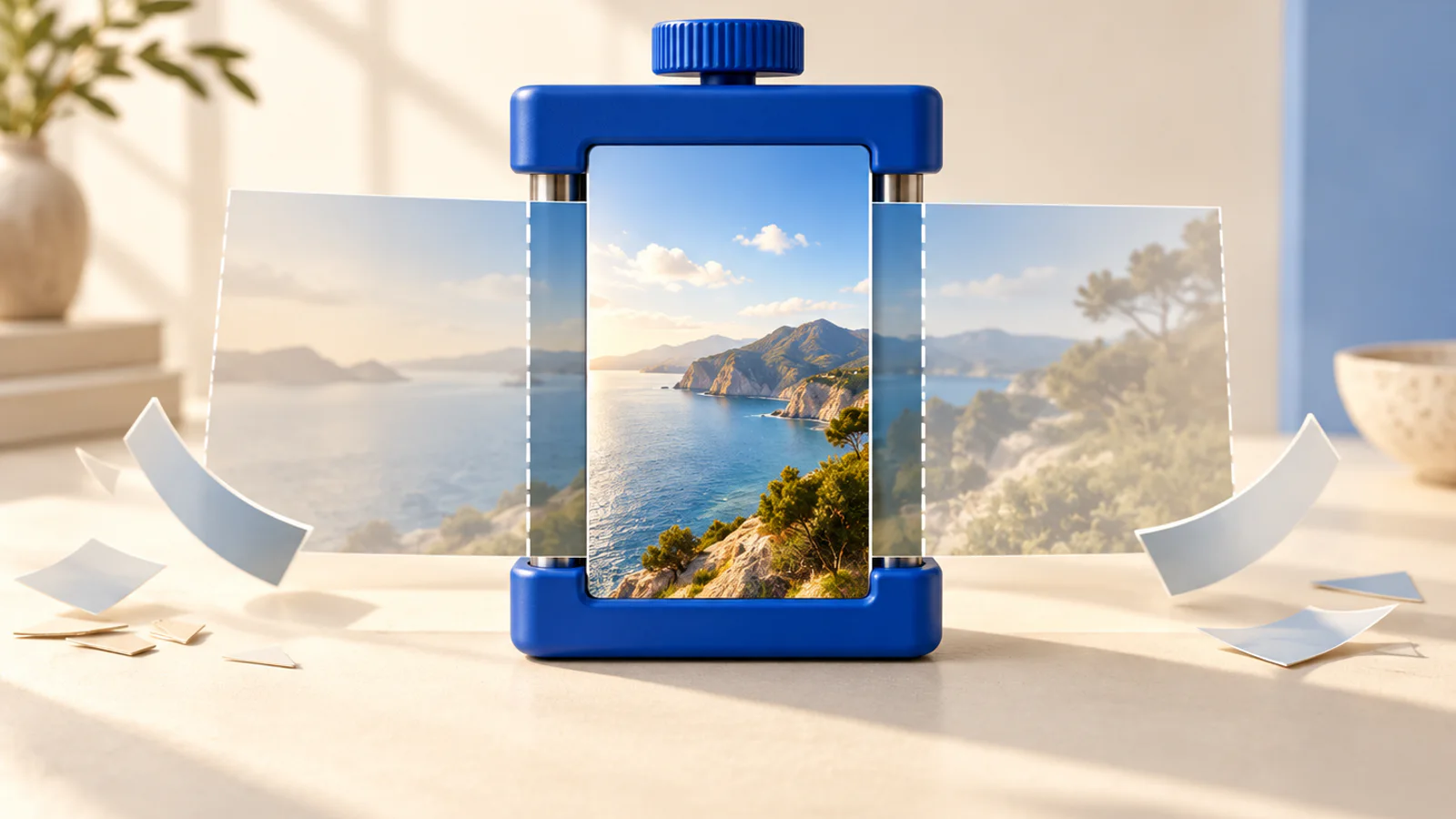
Shot wide, needed tall. A crop is the honest fix: it keeps the part of the frame that matters at full quality, instead of stretching or letterboxing the lot.
Crop a video
Runs on your device, nothing uploaded
Your video is read off your disk and every frame is redrawn inside your box by your own browser. No server is involved at any point. It re-encodes as it goes, so start from your original export rather than from a copy that has already been squeezed.
Three steps
How it works
Drop a file in
The frame appears with a box over it, and nothing has uploaded anywhere.
Draw the crop
Drag the box, pull the corners, or press 9:16, 1:1, 4:5 or 16:9 for the biggest box that shape allows.
Save it
Every frame is redrawn inside your box and handed straight back, audio untouched.
What it is for
Why this one is worth having
A cut, not a squeeze
The pixels you keep stay at full quality. Nothing is scaled, stretched, or padded out with bars.
Presets that mean it
9:16 gives you the biggest 9:16 the frame allows, centred, with the exact pixel size shown before you commit. Slide it over if your subject is not centred.
Nothing gets uploaded
Every frame is redrawn inside your box in the tab, which is why there is no size limit and no watermark.
FAQ
Video cropper, asked and answered
Does cropping lose quality?
The pixels you keep are re-encoded once at a high setting, so a little. What cropping never does is stretch or squash: the frame you draw is exactly the frame you get.
How do I crop to 9:16 for Reels and TikTok?
Press the 9:16 preset. You get the biggest 9:16 box the frame allows, centred, and you drag it sideways if your subject is not. The output size is on the page before you commit.
Is this the same as resizing?
No. Resizing scales the whole frame; cropping cuts part of it out at full quality. Turn a 16:9 into a 9:16 by resizing and you get bars or a stretch. Crop it and you get a real vertical frame.
Does my video get uploaded?
No. Every frame is redrawn inside your box by your own browser. Nothing crosses the network at any point.
What happens to the audio?
Nothing. It is carried through unchanged and in sync. A crop only touches the picture.
More tools
Others in the same corner
- Video rotatorPhones write the orientation down as a note in the file, and some players ignore the note.
- 9:16 safe zone checkerEvery platform paints its own buttons over your video, in different places, and none of them show you that while you are editing..
- Video size compressorEvery other free compressor wants you to upload your footage first.