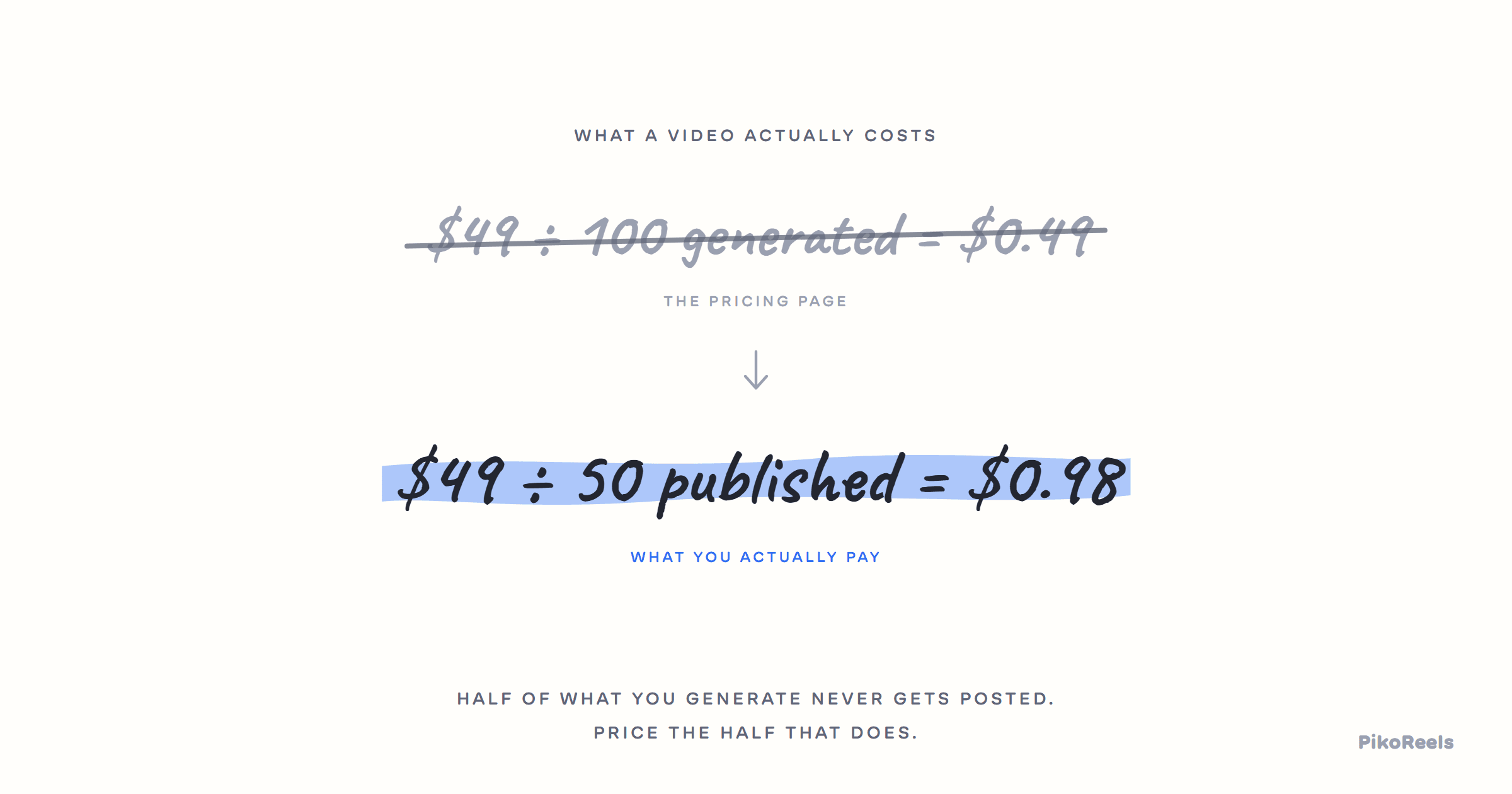
The hardest thing about pricing an AI UGC tool is that no two of them meter the same way, which makes the sticker prices almost useless for comparison. Before you can tell whether $49 a month is cheap you have to work out what a month actually buys, and the answer depends on which of three billing models the tool uses.
The three ways these tools charge
- Per video. A flat allowance of finished videos a month. Easy to compare, and the model most likely to hide its limits in what counts as a video (a re-render, a failed generation, a caption change).
- Per credit. A balance you spend, where different models cost different amounts. Honest about the fact that a ten second 4K clip costs more than a still, but harder to budget until you know the rates.
- Per seat or per reel. Sold on how many people or how many published posts. Fine for teams, and usually the one that gets expensive fastest if you are one person posting a lot.
None of the three is dishonest by itself. What matters is whether the tool publishes the numbers underneath it. A credit system with no published rate card is a price you cannot calculate until after you have paid, and that is the single thing most worth checking before you commit.
The four questions worth asking
- What happens when I run out mid-month? Waiting until the first is very different from buying a top-up.
- Do unused credits roll over, or evaporate? This changes the effective price of a slow month considerably.
- Is there a watermark on the output, and on which plans? A watermark makes the cheap tier a demo rather than a plan.
- Does the price include publishing, or only generation? A generator plus a separate scheduler is two subscriptions.
The last one catches people out most often. Generation is the half that demos well; publishing is the half that decides whether any of it gets posted.
What PikoReels costs
Four plans, billed monthly or a year up front: Beginner at $19 a month, Starter at $39, Creator at $99 and Pro at $199. Every plan starts with 10 free videos, and nothing PikoReels makes carries a watermark on any plan, free videos included.
The metering is a hybrid, and worth understanding before you pick a tier. Each plan includes a monthly reel allowance (150 reels a month on Beginner, up to 1,200 reels a month on Pro) and a separate credit balance that image and video generations draw from (200 credits on Beginner, 10,000 credits on Pro). The anchor is 1 credit = $0.01, so a credit figure converts to dollars without arithmetic.
Per-model rates are published rather than hidden: the full table of what each image and video model costs per generation is at pikoreels.com/llms.txt, and the app shows the cost of a generation before it runs. If you run out mid-month, top-up packs run from 1,000 to 10,000 credits at $20 per 1,000, on Creator and Pro. That is a markup on the rate included credits are anchored at, which is stated plainly rather than buried: top-ups price a credit higher than a plan does.
Unused credits roll over on Pro only. On the other three they reset with the billing period, which is the answer to the rollover question above and the honest one rather than the flattering one.
Which tier is actually right
If you are posting to one channel and finding your feet, Beginner is sized for that: 3 social accounts, 1 workspace. If you are posting every weekday, Starter raises the credit balance to 1,000 credits, which is where most people stop feeling the meter. Creator is the daily-posting tier and the first one with unlimited social accounts and 3 workspaces. Pro is for agencies: 10 workspaces, each with its own accounts, templates and calendar, and nothing crossing between them.
The general advice is to start a tier lower than you think and watch the credit balance for a month. Generation volume is the thing everyone overestimates before they have done it, and moving up is a click.
Comparing against the alternatives
Every comparison page on this site is written from the other company's own published pricing and carries the date it was last read, including the rows where the other tool wins. If you are weighing a specific alternative, start there rather than with a feature grid written by whoever is selling to you.